Update a game on iPhone or iPad
A new version installs over the one you have, so your saves stay.
Do not delete the game first
Deleting the app also deletes its data on this device. Install over it instead, and keep your game account linked.
- 01 / CHECK
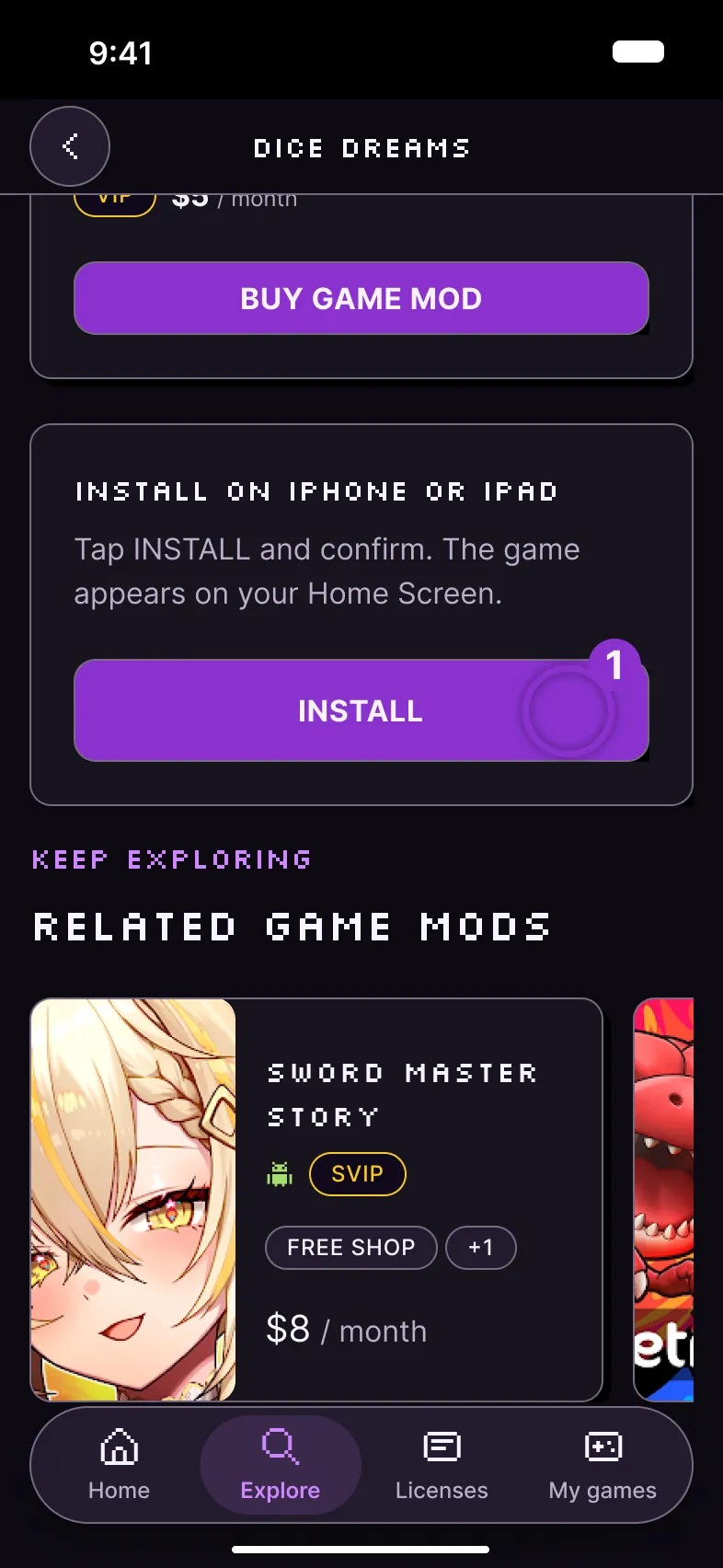
Open your game’s page
More details
When a game gets a new version, open its page in CroakerMOD. The page always offers the latest version, and shows INSTALL once it is ready for your device. New mod features arrive on their own the next time you open the game.
- 02 / CONFIRM
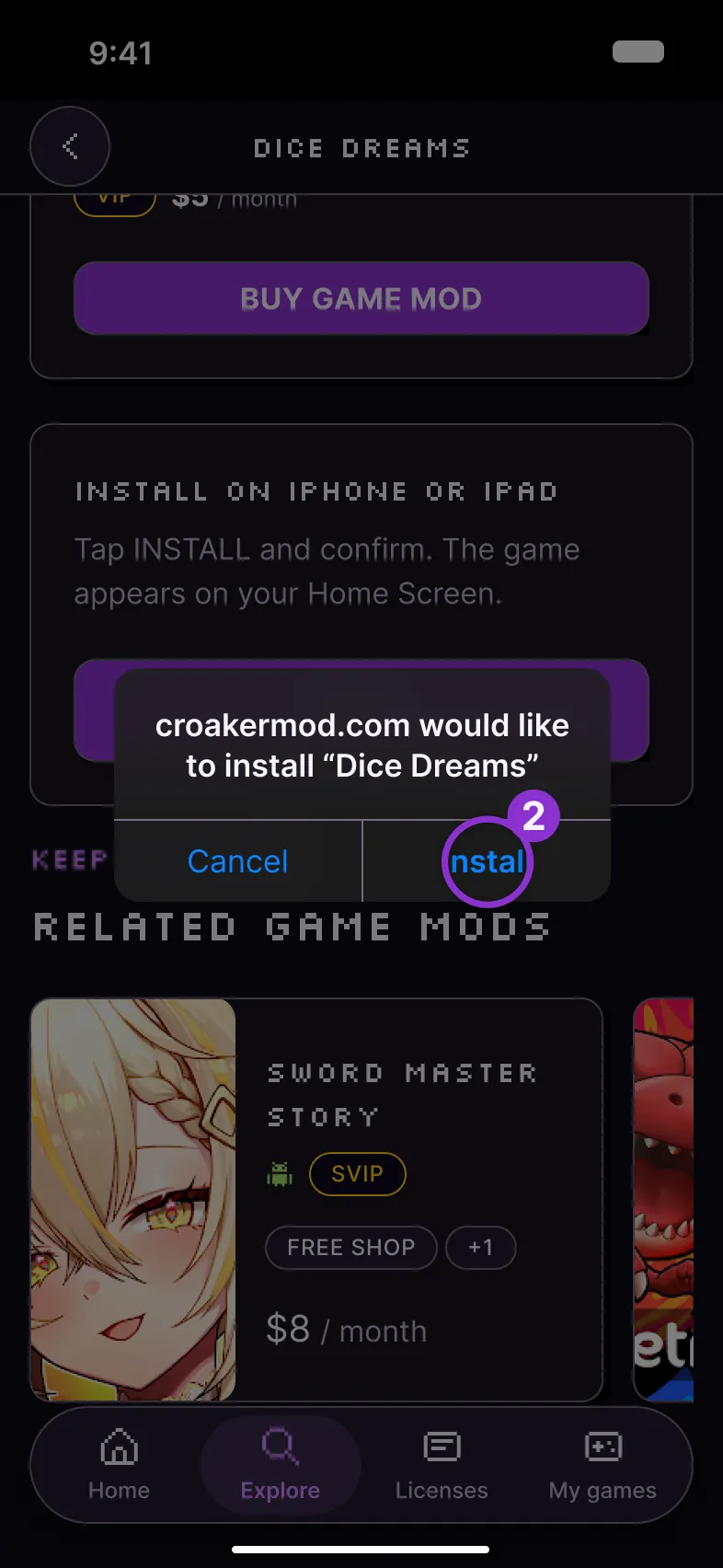
Tap INSTALL and confirm
More details
Tap INSTALL, then Install. The new version replaces the old one, so your saves stay.
- 03 / RETURN
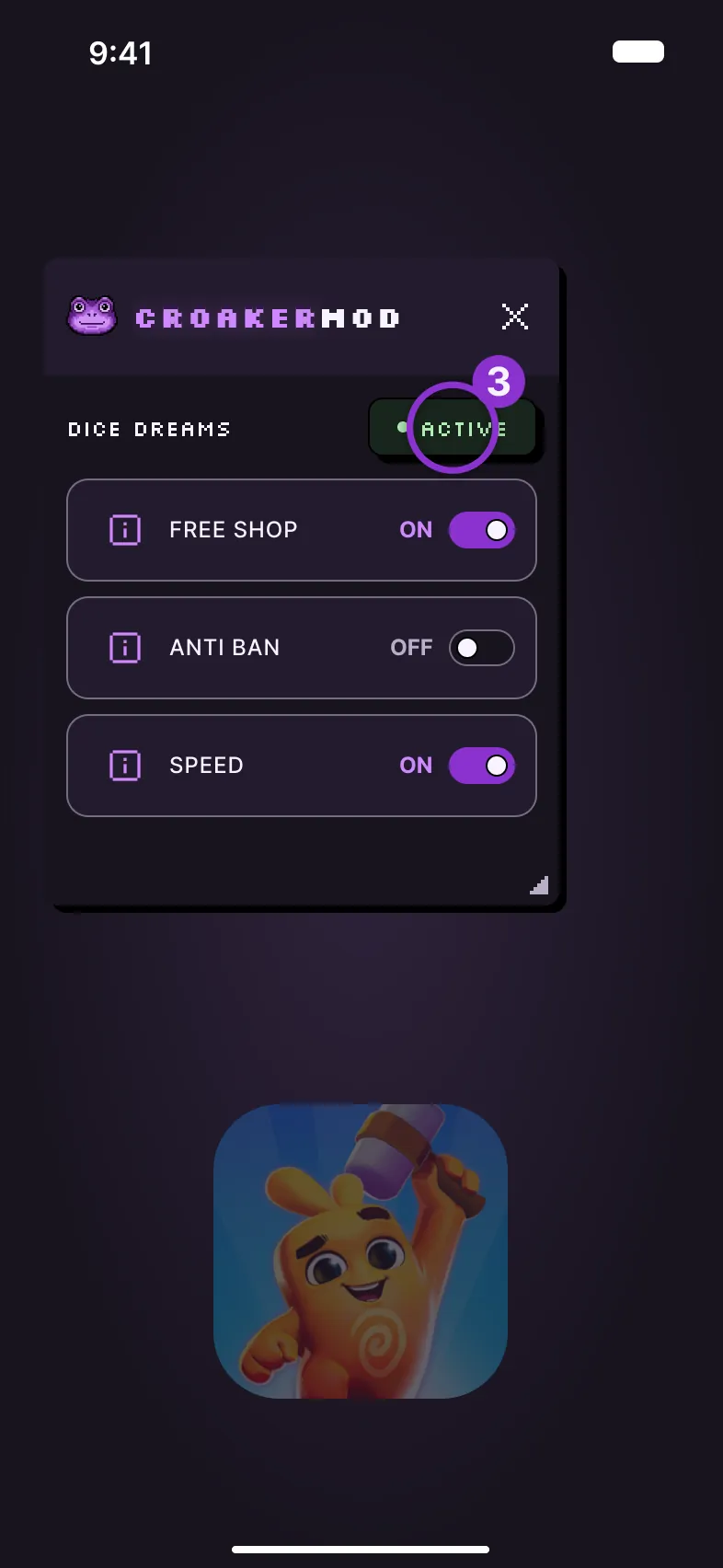
Open the game again
More details
Open the game and wait for the menu to show ACTIVE before you switch features on.
Update did not work?
Find the matching message in installation help.
FIX AN INSTALLATIONPublished · Updated