What do you see?
Match what you see on your iPhone or iPad to the help below. These are separate fixes, not steps to follow in order.
- PROFILE
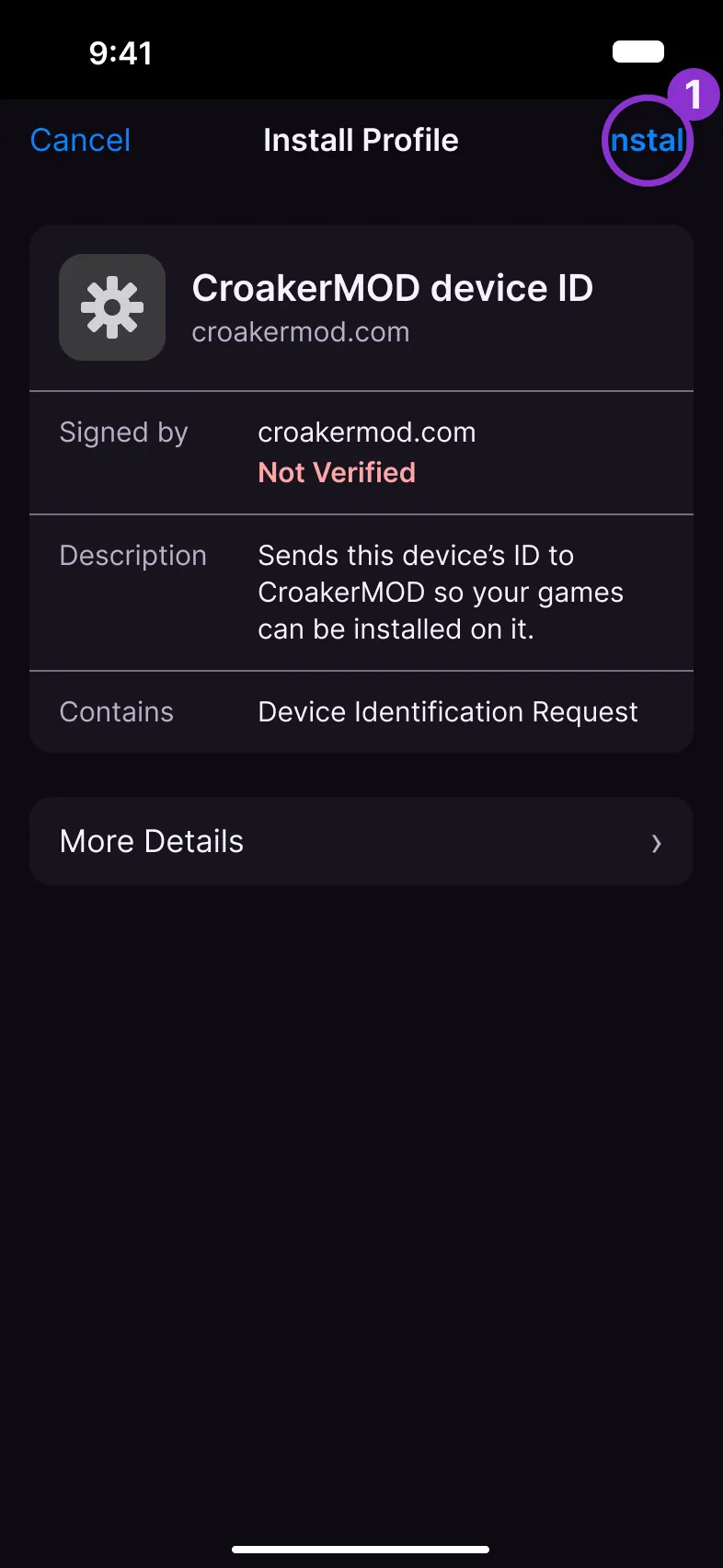
The profile says “Not Verified”
More details
That is expected: the profile only sends us your device ID and is not signed. In Settings, tap Profile Downloaded, then Install. If you do not see Profile Downloaded, tap ADD THIS DEVICE again.
- DEVICE
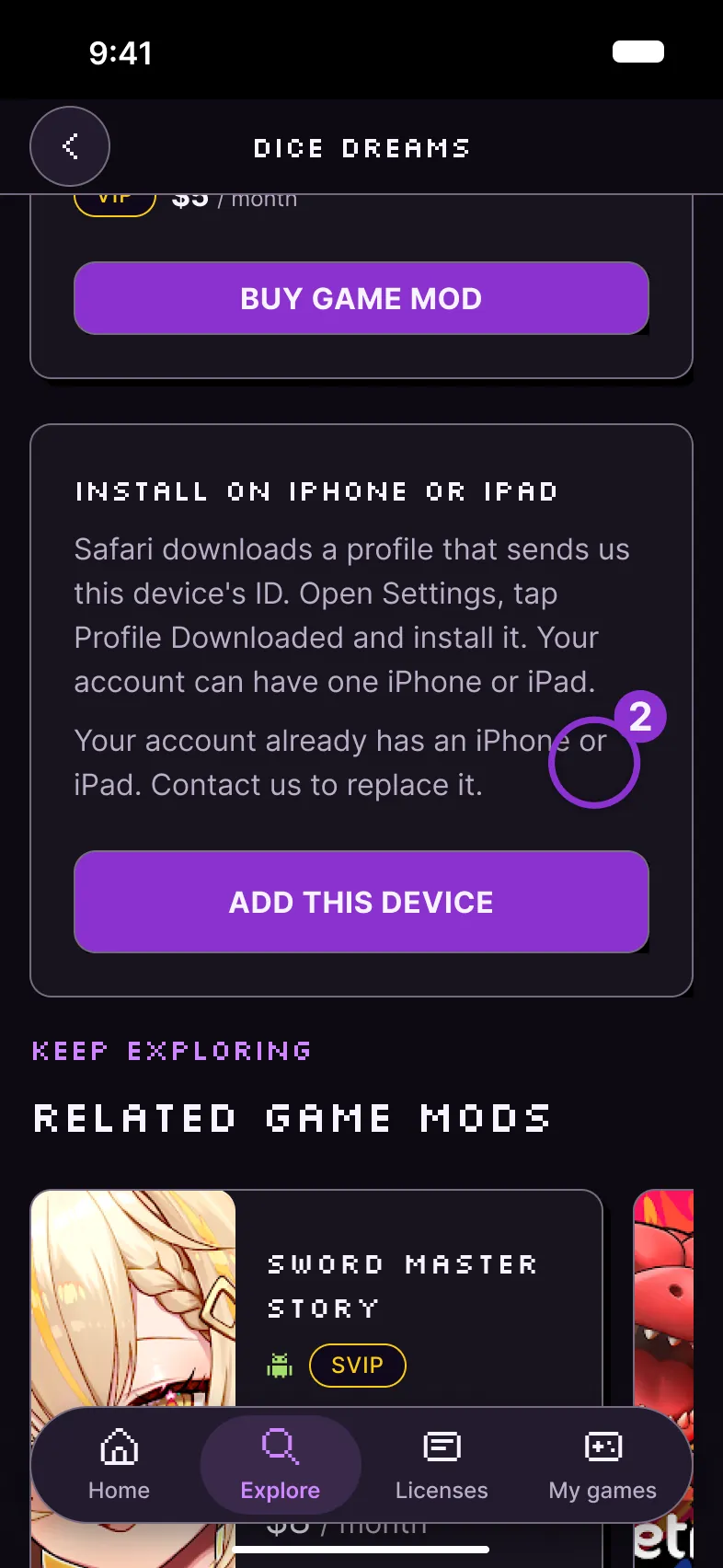
“Your account already has an iPhone or iPad”
More details
Each account has one Apple device. To move to another iPhone or iPad, contact us and we replace it.
- WAITING
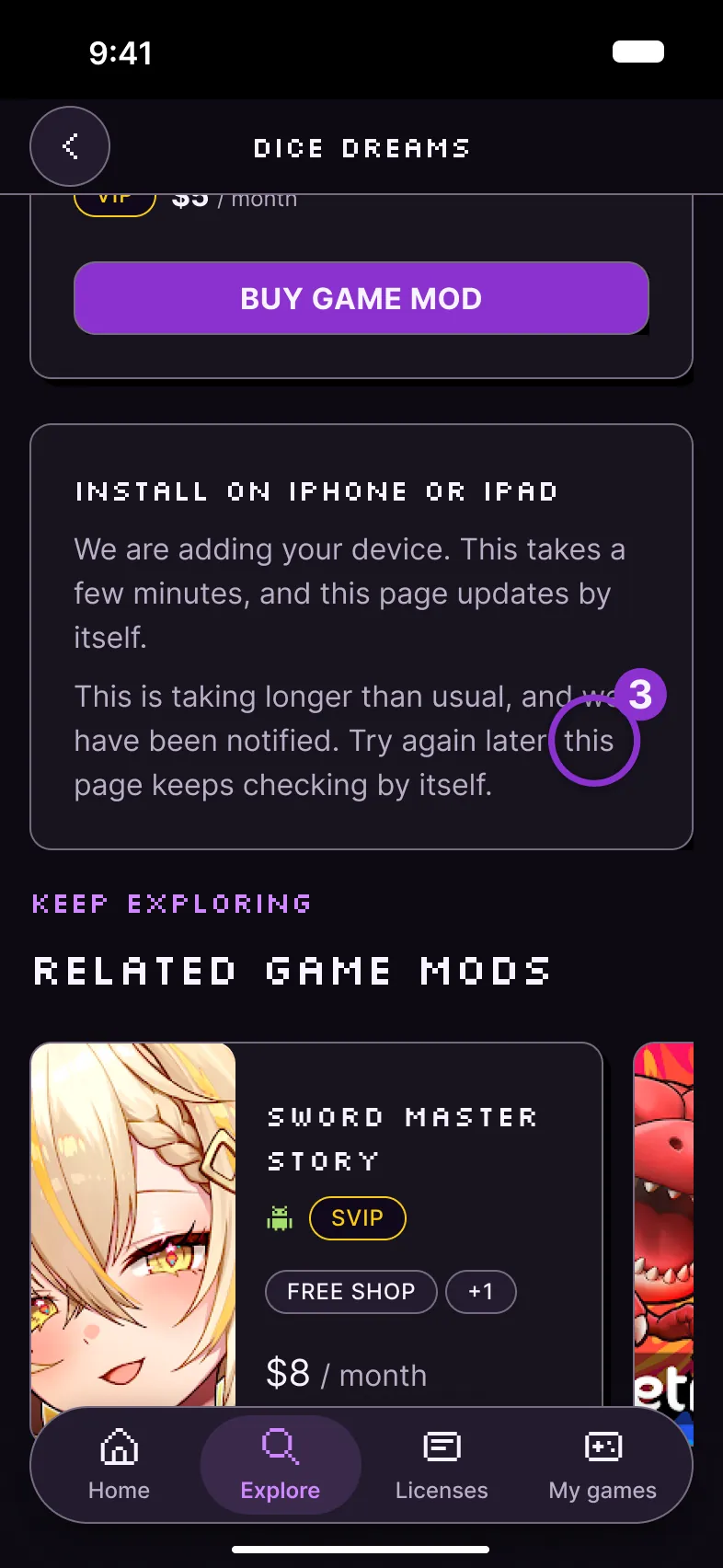
“This is taking longer than usual”
More details
Adding a device or preparing a game can take longer at busy times. We have been notified; leave the page open or come back later, it keeps checking by itself.
- IN THE GAME
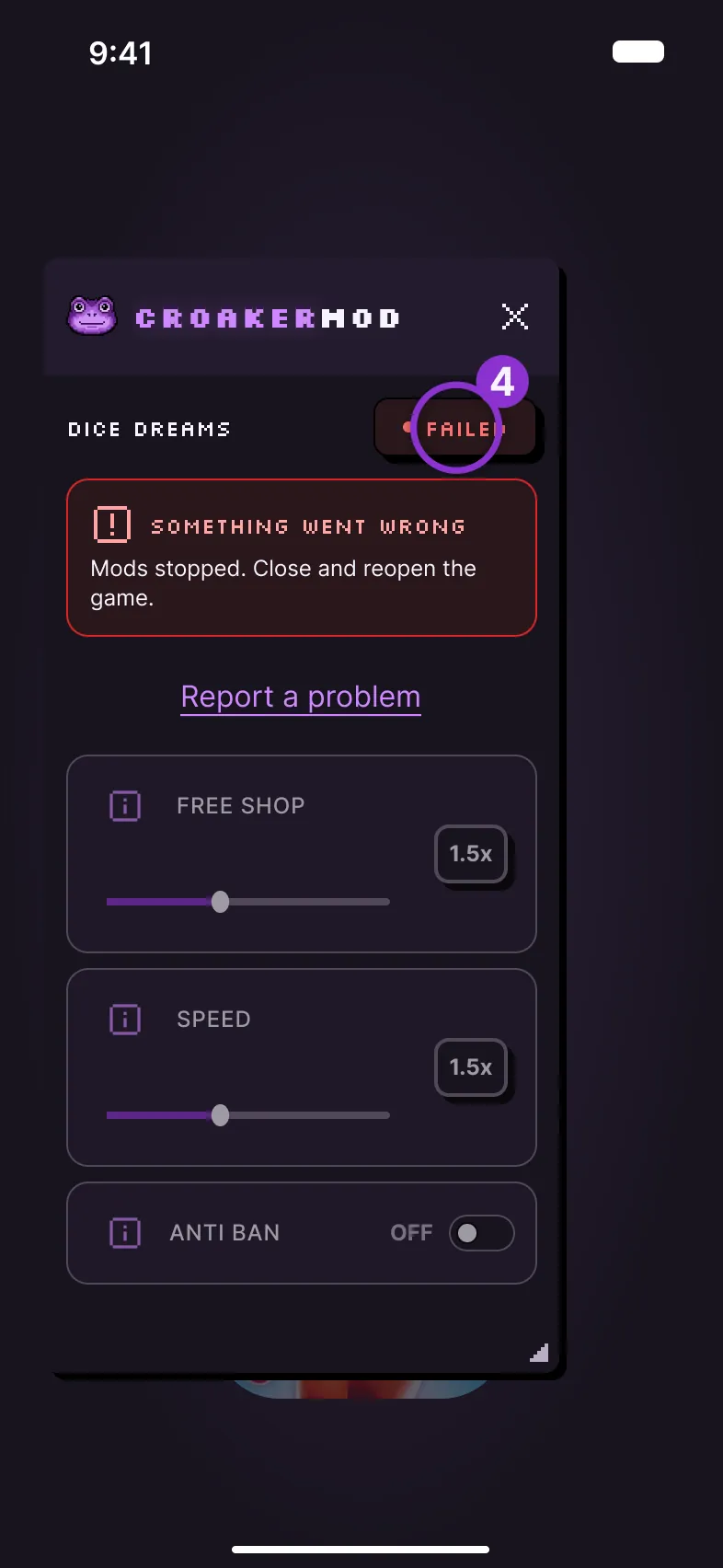
“Mods stopped”
More details
Something kept the mods from starting this time. Close the game from the app switcher (swipe it up) and open it again. If it keeps happening, contact support.
Still stuck?
Send support what you see, your device model and iOS version. Never share passwords or login codes.
CONTACT SUPPORTPublished · Updated