Root or non-root?
Choose a path your device and game support. Check the game’s delivery options in CroakerMOD first.
- NO ROOT
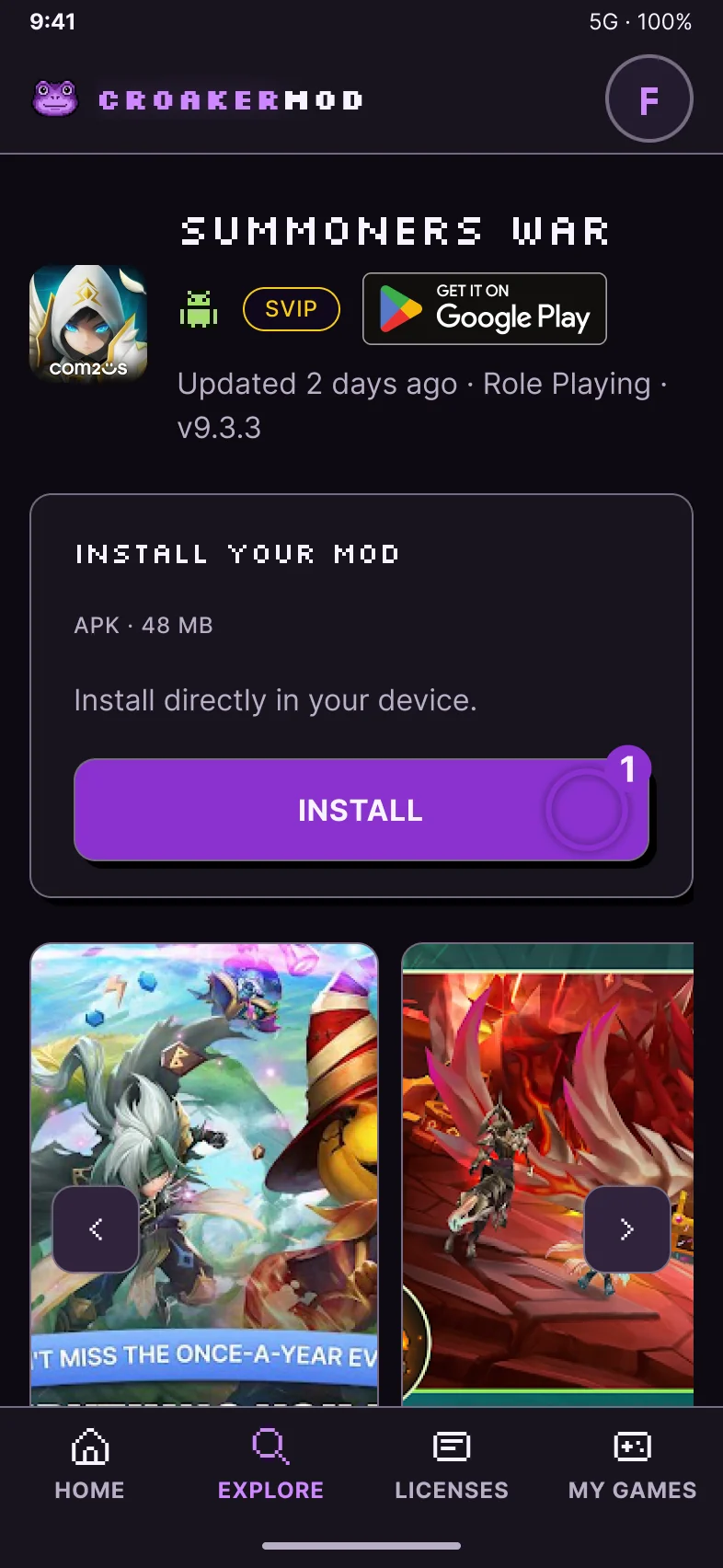
Modded APK, installed by CroakerMOD
More details
Works on any Android phone. CroakerMOD installs a re-signed copy of the game; remove the store copy first, after linking your save.
- ROOTED DEVICE
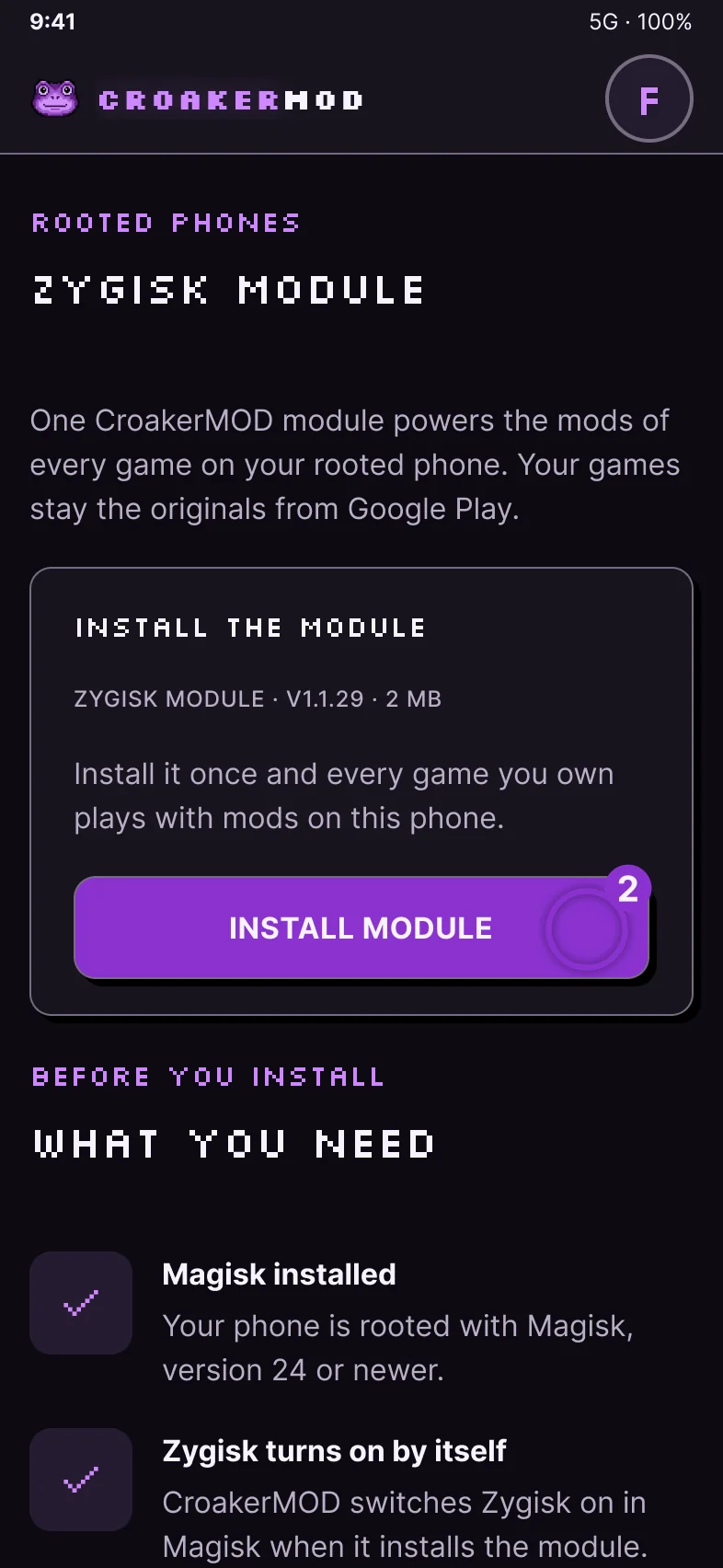
Universal module, store game kept
More details
One CroakerMOD module loads the mods into the original Google Play game. Your store install and its data stay as they are.
WHAT YOU NEED FOR ROOT
Magisk installed
Your phone is rooted with Magisk, version 24 or newer.
Zygisk turns on by itself
CroakerMOD switches Zygisk on in Magisk when it installs the module. The restart activates it.
Superuser access for CroakerMOD
When Magisk asks, allow CroakerMOD so it can install its module.
One restart after installing
The CroakerMOD module starts working after the next restart.
Not rooted? Check the non-root option first
Root is an advanced device setup. Some games only support root delivery; always check the game listing.
Both paths still need a license
The available delivery types depend on the game. Neither path guarantees protection from account bans.
EXPLORE GAMESPublished · Updated